Prompt Templates, Structured Output & Output Parsers — Part 7
Master LangChain's prompt engineering stack: build reusable ChatPromptTemplates, extract structured JSON with Pydantic via with_structured_output(), and add auto-retry output parsers that self-correct on validation failures.
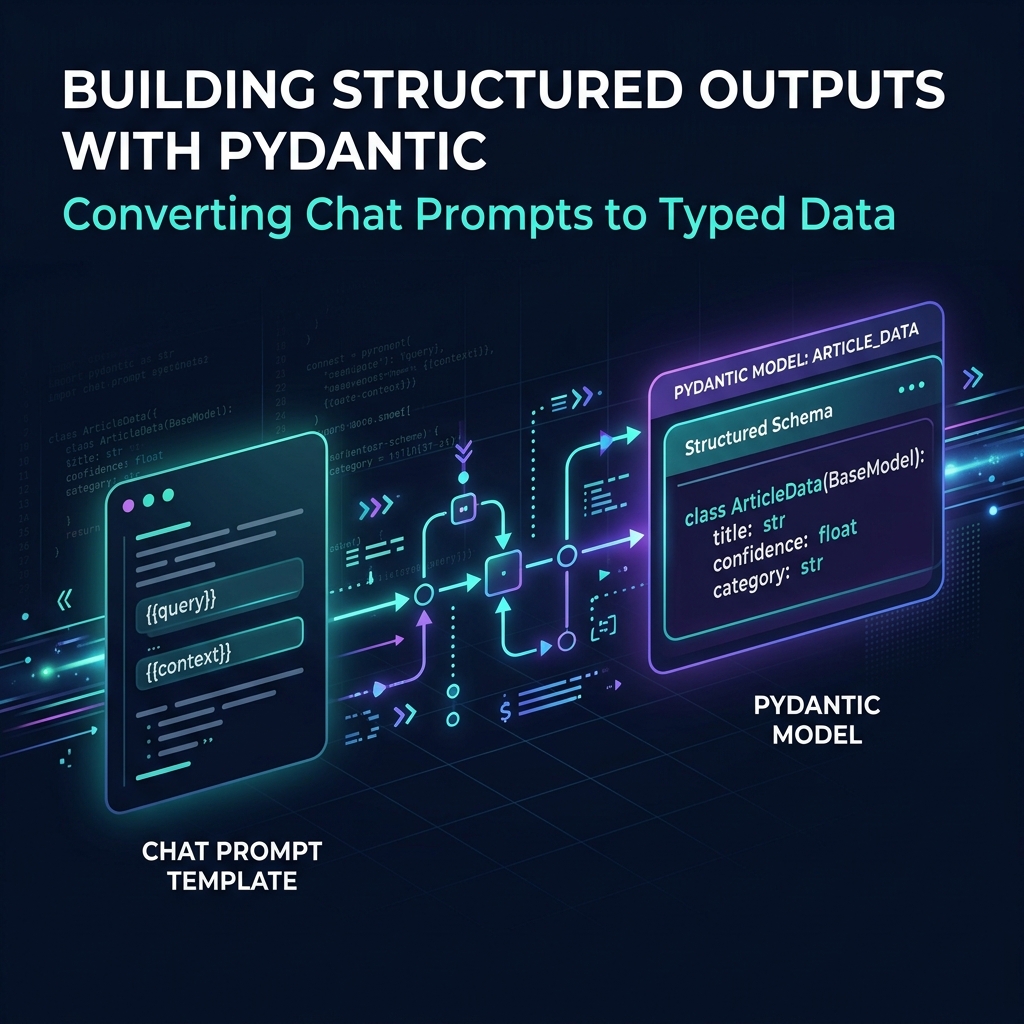
TL;DR: Raw string prompts are brittle. This post explains how to structure inputs using ChatPromptTemplate, enforce typed JSON/Pydantic returns via with_structured_output(), and deploy OutputFixingParser to repair parsing errors.
The Problem with Raw Strings
In Parts 1–6, every agent we built constructed prompts as plain Python strings:
prompt = f"You are a researcher. Task: {task}\nProduce numbered findings."
response = llm.invoke([HumanMessage(content=prompt)])
print(response.content)  # a raw string — could be anything
This works in development. It breaks in production, in three specific ways:
- Untestable prompts — an f-string buried in a function cannot be versioned, A/B tested, or evaluated in LangSmith without rewriting the whole function
- Unpredictable outputs —
response.contentis a string. Your downstream code doesjson.loads()on it, which fails the moment the model adds a markdown code fence or a trailing sentence - No schema enforcement — there is nothing stopping the model from returning fields in the wrong order, with wrong types, or with hallucinated extra fields
This post solves all three. By the end you will have:
- Prompt templates that are composable, versioned, and injectable
- Agents that return
Articleobjects, not strings - A retry layer that fixes malformed outputs automatically
Why does this matter now, not from the start? You can prototype with f-strings and raw
.content. Most tutorials do. But once you have more than one agent and more than one output format — which you do after Part 6 — the lack of structure compounds. Every caller of your agent has to guess what the output looks like. Structured output is the contract that makes multi-agent pipelines reliable.
Setup
Activate your virtual environment from earlier parts:
source langchain-env/bin/activate
pip install langchain-google-genai langchain-core pydantic python-dotenv
Your .env file should already contain GOOGLE_API_KEY.
Part 1: ChatPromptTemplate — Why Templates Beat f-strings
A ChatPromptTemplate separates what you are asking (the template) from the values you are asking about (the variables). This separation enables testing, versioning, and reuse.
# create a file: 20_prompt_templates.py
from dotenv import load_dotenv
from langchain_core.prompts import ChatPromptTemplate, MessagesPlaceholder
from langchain_core.messages import HumanMessage
from langchain_google_genai import ChatGoogleGenerativeAI

load_dotenv()
llm = ChatGoogleGenerativeAI(model="gemini-3.5-flash", temperature=0)

# -------------------------------------------------------
# Basic template: named variables replace f-string interpolation
# -------------------------------------------------------
headline_template = ChatPromptTemplate.from_messages([
    ("system", """You are a senior editor at Tech News Daily.
Your job is to classify incoming news articles and extract clean metadata.
Be precise. Do not add commentary outside the requested fields."""),
    ("human", """Article title: {title}
Article body: {body}

Classify this article and extract: category, estimated reading time (minutes), and a 1-sentence summary.""")
])

# The template is now an object you can inspect, test, and store
print("Template variables:", headline_template.input_variables)
# → ['title', 'body']

# Invoke by passing variables — the template handles interpolation
chain = headline_template | llm

result = chain.invoke({
    "title": "Gemini 3.5 Flash Cuts Inference Costs by 40%",
    "body": "Google DeepMind announced today that Gemini 3.5 Flash achieves a 40% reduction in per-token inference costs compared to its predecessor, while maintaining benchmark parity on coding and reasoning tasks. The model is available immediately via the Gemini API."
})
print("\nRaw response (still a string):")
print(result.content)
Run it:
python 20_prompt_templates.pyWhy use
from_messages()instead offrom_template()?from_template()creates a single human message from a string — it has no system prompt.from_messages()lets you define the full message list, including a system prompt, few-shot examples, and aMessagesPlaceholderfor conversation history. For agents, you almost always want at least a system prompt. Makefrom_messages()your default.
Adding Conversation History with MessagesPlaceholder
# Add this to 20_prompt_templates.py
# -------------------------------------------------------
# MessagesPlaceholder: injects a dynamic list of messages at a fixed slot
# This is how you add multi-turn history to any template
# -------------------------------------------------------
editor_template = ChatPromptTemplate.from_messages([
    ("system", "You are a senior editor at Tech News Daily. Be concise and direct."),
    MessagesPlaceholder(variable_name="chat_history"),  # injected at runtime
    ("human", "{current_question}")
])

# Simulate a multi-turn session
history = [
    HumanMessage(content="What is the headline policy for breaking news?"),
    # In a real session this would include the AI's response too
]

response = (editor_template | llm).invoke({
    "chat_history": history,
    "current_question": "Should breaking news headlines include question marks?"
})
print("\nEditor response:")
print(response.content)
Tip — keep your system prompt ≤ 200 tokens: Every token in the system prompt is paid for on every single request. A 500-token system prompt on a high-traffic agent costs thousands of dollars at scale. Write it once, measure it, and trim ruthlessly. Use
tiktokento count tokens before deploying to production.
Part 2: Structured Output — From Strings to Pydantic Objects
The output of the template above is still a raw string. with_structured_output() replaces that with a validated Python object.
# create a file: 21_structured_output.py
from dotenv import load_dotenv
from pydantic import BaseModel, Field
from typing import Literal
from langchain_core.prompts import ChatPromptTemplate
from langchain_google_genai import ChatGoogleGenerativeAI

load_dotenv()
llm = ChatGoogleGenerativeAI(model="gemini-3.5-flash", temperature=0)

# -------------------------------------------------------
# Step 1: Define the schema as a Pydantic model
# This becomes the "contract" between your agent and its callers
# -------------------------------------------------------
class Article(BaseModel):
    """Structured representation of a news article's metadata."""

    headline: str = Field(
        description="The article headline, max 12 words, no question marks"
    )
    category: Literal["ai", "cloud", "security", "hardware", "business"] = Field(
        description="The primary category of the article"
    )
    summary: str = Field(
        description="A single sentence (max 25 words) summarising the article"
    )
    confidence: float = Field(
        ge=0.0, le=1.0,
        description="Your confidence in this classification, 0.0–1.0"
    )
    breaking: bool = Field(
        description="True if this is breaking news (announced in last 6 hours)"
    )

# -------------------------------------------------------
# Step 2: Bind the schema to the LLM
# Under the hood, LangChain chooses tool-calling vs JSON mode
# based on what the model supports — you do not need to decide
# -------------------------------------------------------
structured_llm = llm.with_structured_output(Article)

# -------------------------------------------------------
# Step 3: Build the chain — same pattern as before
# -------------------------------------------------------
classify_template = ChatPromptTemplate.from_messages([
    ("system", """You are a news classification engine for Tech News Daily.
Classify articles accurately. Confidence reflects how clearly the article fits one category.
If an article spans multiple categories, pick the most dominant one."""),
    ("human", """Article to classify:
Title: {title}
Body: {body}
Published: {published_at}""")
])

classify_chain = classify_template | structured_llm

# -------------------------------------------------------
# Test with three different articles
# -------------------------------------------------------
test_articles = [
    {
        "title": "AWS Announces 30% Price Cut on EC2 GPU Instances",
        "body": "Amazon Web Services reduced pricing on its P4d and P5 GPU instance families by 30% effective today, citing improved manufacturing economics and competition from Google Cloud and Azure in the AI training market.",
        "published_at": "2026-06-13T09:00:00Z"
    },
    {
        "title": "Critical Zero-Day Found in OpenSSH 9.x",
        "body": "Security researchers at Qualys disclosed a critical remote code execution vulnerability in OpenSSH versions 9.0–9.8. The CVE-2026-0412 flaw allows unauthenticated attackers to execute arbitrary code as root on vulnerable Linux systems. A patch is available.",
        "published_at": "2026-06-13T07:30:00Z"  # recent → breaking
    },
    {
        "title": "NVIDIA Unveils Blackwell Ultra B300 GPU Architecture",
        "body": "NVIDIA's new Blackwell Ultra architecture delivers 2.5x the FP8 throughput of H100 and introduces a new NVLink 5 interconnect. The B300 will ship in Q3 2026 with a focus on large-scale LLM inference clusters.",
        "published_at": "2026-06-12T14:00:00Z"
    }
]

print("=== Tech News Daily — Article Classifier ===\n")
for article in test_articles:
    result: Article = classify_chain.invoke(article)

    # result is a proper Python object — fully typed
    print(f"Title:      {article['title']}")
    print(f"Headline:   {result.headline}")
    print(f"Category:   {result.category}")
    print(f"Breaking:   {'🔴 YES' if result.breaking else 'No'}")
    print(f"Confidence: {result.confidence:.0%}")
    print(f"Summary:    {result.summary}")
    print("-" * 60)
Run it:
python 21_structured_output.pyYou will see three fully typed Article objects with no json.loads(), no string parsing, and no chance of a missing field silently becoming None.
How does
with_structured_output()actually work under the hood? For Gemini models, LangChain uses tool calling by default: it registers your Pydantic schema as a tool definition, forces the model to call that tool with the article's data, and then deserialises the tool call arguments into your Python object. This is more reliable than JSON mode because tool calling is a first-class model capability — the model is trained specifically to fill tool parameters correctly, not just to output valid JSON.
Tip — always add
Field(description=...)to every field: The field description becomes part of the tool definition sent to the model. A vague description likeconfidence: floatproduces inconsistent scores.confidence: float — Your confidence in this classification, 0.0–1.0tells the model exactly what range and meaning to use. Think of descriptions as prompts for each individual field.
When should you NOT use
with_structured_output()? When you need free-form creative output — a full article draft, an essay, a code file. Structured output forces the model to fit its response into your schema, which actively hurts quality for open-ended tasks. Use it when the output has a fixed, machine-readable shape. For free-form output, stick to string responses and validate downstream.
Part 3: Output Parsers and the Retry Layer
Sometimes — especially with less capable models or complex schemas — the model's response is malformed. OutputFixingParser catches this and automatically asks the model to fix it.
# create a file: 22_output_parsers.py
from dotenv import load_dotenv
from pydantic import BaseModel, Field
from typing import Literal
from langchain_core.prompts import ChatPromptTemplate
from langchain_core.output_parsers import StrOutputParser
from langchain.output_parsers import PydanticOutputParser
from langchain.output_parsers import OutputFixingParser
from langchain_google_genai import ChatGoogleGenerativeAI

load_dotenv()
llm = ChatGoogleGenerativeAI(model="gemini-3.5-flash", temperature=0)

# -------------------------------------------------------
# StrOutputParser: the simplest parser — strips metadata,
# returns just the string content. Use this for free-form output.
# -------------------------------------------------------
summary_chain = (
    ChatPromptTemplate.from_messages([
        ("system", "You are a copy editor. Write tight, punchy summaries."),
        ("human", "Summarise this in exactly 2 sentences: {text}")
    ])
    | llm
    | StrOutputParser()  # converts AIMessage to plain string
)

text = "The EU AI Act's enforcement provisions came into effect today, requiring all high-risk AI systems deployed in the EU to undergo mandatory conformity assessments. Companies have 6 months to comply or face fines of up to 3% of global annual revenue."
summary = summary_chain.invoke({"text": text})
print("Summary (str):", summary)
print("Type:", type(summary))  # → <class 'str'>

# -------------------------------------------------------
# PydanticOutputParser: instructs the model via prompt to
# produce JSON matching your schema, then parses it.
# Less reliable than with_structured_output() but works
# with any model, including those without tool calling.
# -------------------------------------------------------
class EditDecision(BaseModel):
    """An editorial decision on a news article."""
    publish: bool = Field(description="Whether to publish this article")
    reason: str = Field(description="One sentence explaining the decision")
    priority: Literal["top", "standard", "hold"] = Field(
        description="Editorial priority: top (homepage), standard, or hold"
    )

parser = PydanticOutputParser(pydantic_object=EditDecision)

editorial_template = ChatPromptTemplate.from_messages([
    ("system", "You are the editor-in-chief of Tech News Daily."),
    ("human", """Evaluate this article and make an editorial decision.

Article: {article}

{format_instructions}""")
]).partial(format_instructions=parser.get_format_instructions())

editorial_chain = editorial_template | llm | parser

decision: EditDecision = editorial_chain.invoke({
    "article": "AWS quietly removed two deprecated EC2 instance types from its pricing page. No announcement was made."
})

print(f"\nPublish: {decision.publish}")
print(f"Priority: {decision.priority}")
print(f"Reason: {decision.reason}")

# -------------------------------------------------------
# OutputFixingParser: wraps any parser and adds an automatic
# retry if the initial parse fails.
# -------------------------------------------------------
# Simulate a scenario where the model might return malformed output:
fixing_parser = OutputFixingParser.from_llm(
    parser=PydanticOutputParser(pydantic_object=EditDecision),
    llm=llm
)

# In production, wrap your parser with OutputFixingParser for any
# model that sometimes produces slightly malformed JSON.
# The fixing parser calls the LLM once more with the parse error
# and the bad output, asking it to correct the format.
print("\n✓ OutputFixingParser configured — will auto-retry on malformed output")
print("  Use it like: fixing_parser.parse(malformed_string)")
Run it:
python 22_output_parsers.py
PydanticOutputParservswith_structured_output()— which should I use? Usewith_structured_output()whenever possible. It uses the model's native tool-calling capability, which is far more reliable.PydanticOutputParserworks by injecting JSON format instructions into the prompt — the model can still ignore them or wrap the JSON in text. ReservePydanticOutputParserfor models that do not support tool calling (self-hosted, older models).
Tip — always add
OutputFixingParserin production pipelines: Even withwith_structured_output(), production traffic eventually surfaces edge cases. An extremely long field value, a Unicode character in a category name, a model upgrade that slightly changes output format — all of these can break parsing. The fixing parser costs one extra LLM call per failure, which is far cheaper than a pipeline crash at 2 AM.
Wiring Structured Output into the Newsroom
The Article schema from Part 2 now becomes the shared data contract across the entire multi-agent newsroom from Part 6. Here is how the pieces connect:
User submits raw text
       ↓
  classify_chain → Article (typed Pydantic object)
       ↓
  researcher_agent reads Article.category to focus its research
       ↓
  writer_agent uses Article.headline + Article.summary as the brief
       ↓
  notifier_agent formats based on Article.breaking flag
       ↓
  Output: a structured, auditable pipeline with typed data at every seam
In the next post, we tackle what happens when this pipeline runs for hundreds of articles in a session — and the conversation history fills up the context window.
Continue to Part 8: Short-Term Memory & Context Engineering →
FAQs
Q: Why is ChatPromptTemplate preferred over standard Python f-strings in production?
A: ChatPromptTemplate separates static prompt instructions from dynamic inputs, enabling templates to be A/B tested, structured into system/human messages, and integrated directly with tools or memory variables without hard-coded string manipulation.
Q: How does with_structured_output() enforce schema compliance in LangChain?
A: Under the hood, with_structured_output() binds your Pydantic model definition as a schema function. The LLM is forced to invoke a mock tool matching this schema, ensuring the generated arguments can be parsed back into a typed Python object.
Q: What does an OutputFixingParser do when an LLM fails to return valid JSON?
A: The OutputFixingParser intercepts the validation error. It makes a corrective call to the LLM, sending the malformed output along with the error logs, and asks the model to repair the formatting without repeating the main computation.